
Validating and importing
How the Import files transform turns validated rows into your final, schema-compliant payload, including required vs. optional templates, partial imports, and per-customer overrides.
The Import files transform is the right-hand terminus of every Multi FileFeed. It's where validated rows leave the canvas and become the payload your application receives. This page covers what to know about that step: attaching templates, requiring vs. allowing them, partial imports, and per-customer overrides.
Most of the work on the way to Import files is done by the agent (mapping, type coercion, value cleanup, error fixes). The settings on this page govern what happens after the agent has produced validated rows.
Attaching templates
Every MFF terminates at one or more templates. To attach a template to an MFF:
- Open the MFF's settings.
- Under Templates, click Add template and pick the one you want.
- Optionally mark it Required.
Only templates with a Production status in the current environment are eligible. (Template status is scoped per environment — a template pushed to Production in Dev is not automatically eligible from Staging or Prod.) If you don't see the template you want, push it from the Templates page first.
Required vs. optional templates
When you attach a template, you decide whether it's required for an MFF run to succeed.
- Required. An MFF run only succeeds if every required template has at least one validated import file flowing into it. If no upstream transform produces validated rows for a required template, the run fails. Use this for the primary output of the MFF, where downstream systems depend on receiving data.
- Optional. The MFF tolerates the absence of input for this template. A run succeeds even if nothing flows into the optional template. Use this for templates that capture conditional outputs (e.g. an error log, an audit table) that aren't always populated.
Validation outcomes
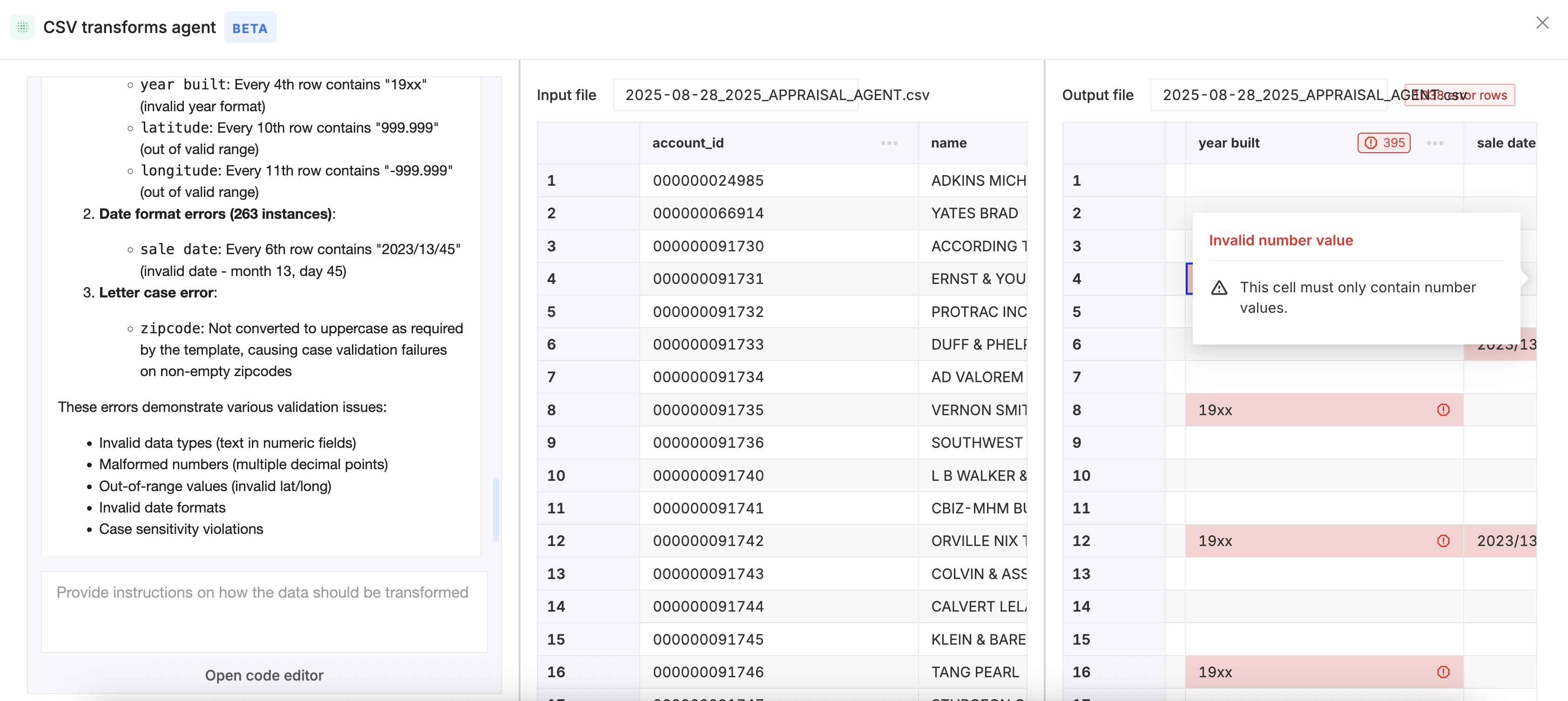
A row that reaches the Import files transform is in one of three states:
- Valid. Every cell passes the template's validations. The row appears in the imported output exactly as your template defines it.
- Warning. At least one cell triggered a warning-level rule but no errors. The row is included in the imported output by default. See Importing warnings for how to surface or suppress warnings in your destination payload.
- Error. At least one cell failed a validation rule. By default, the row is excluded from the imported output. The error is surfaced in the run details so you can inspect why.
The dashboard's run view shows per-template, per-row outcomes so you can audit exactly what happened to each row. Anywhere the agent applied a fix to a cell on the way in, you can trace the exact rule and the before/after value.
Partial imports
The default behavior is partial import per template: if any row fails validation, the imported output for that template still ships, with the failing rows excluded. If you'd rather block the entire payload when any row fails, configure the MFF to require zero errors before importing.
Partial imports are most useful when:
- You want good rows now, bad rows later: ship validated rows immediately and surface the failing ones in your dashboard for a human to repair.
- You're processing partial batches: vendor sends a 10,000-row file daily and a few bad rows is expected; you don't want one bad row to block the other 9,997.
See Partial Imports in FileFeeds for the configuration details and the matching destination semantics.
Unmapped columns
Sometimes the source file has columns the template doesn't define, and you still want to carry them through to your destination (for example, a partner ID or audit timestamp the partner sends). By default these are dropped at the template boundary. To carry them through, see Unmapped columns.
Where the validated data goes
Once the Import files transform has produced its output, what happens next depends on your destination configuration:
- No destination configured. Output is browsable in the dashboard's run view; useful for testing or manual handoffs.
- SFTP / S3 / GCS destination. OneSchema drops the validated file to your bucket or server.
- Event webhook on the side. If your app needs to know the import landed, configure an event webhook for the ping and pull rows via the Multi FileFeeds API.
See Delivering outputs for the full picture.
Updated 2 months ago